
Search result
Playing TV, movies and music
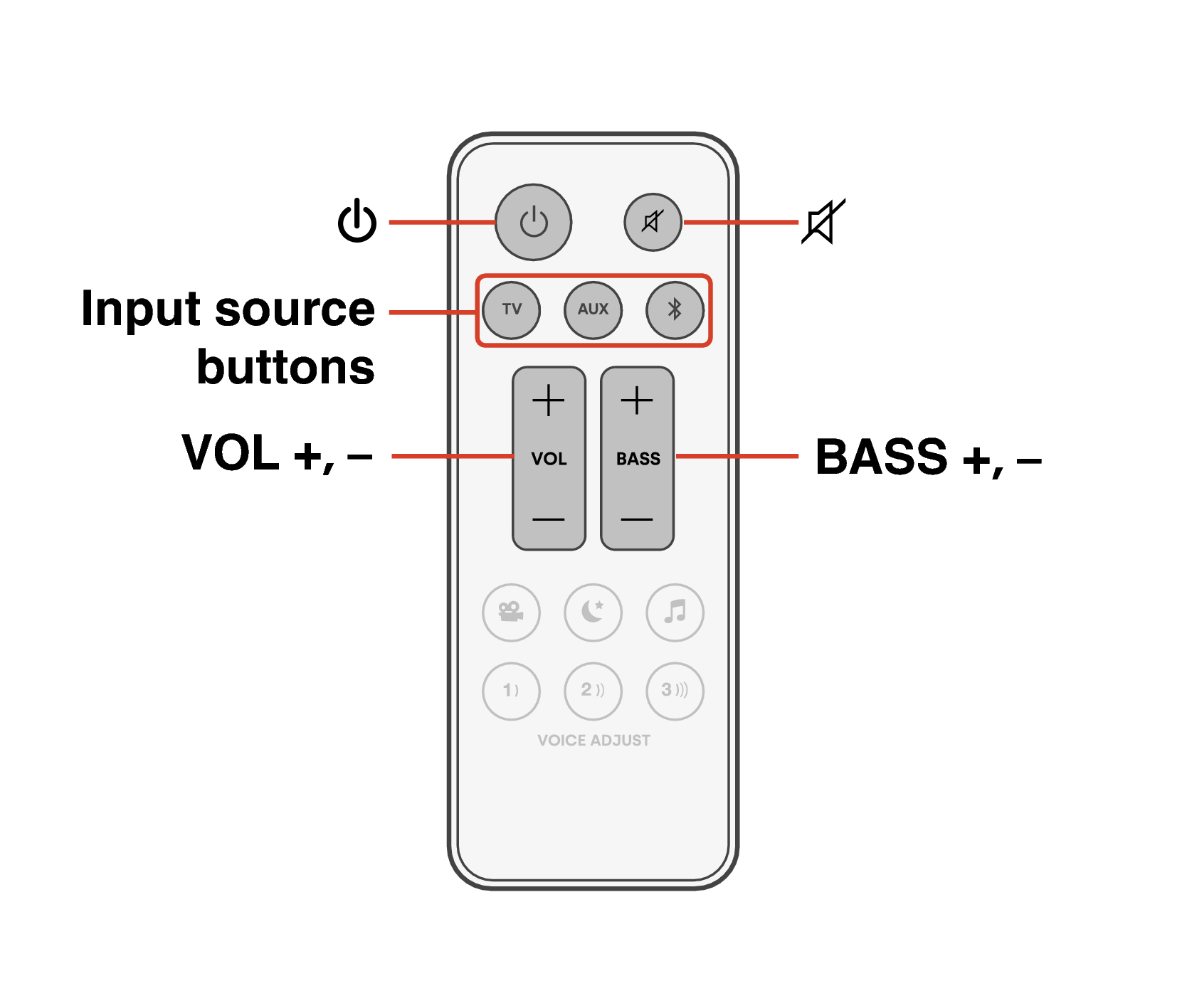
Turn on the power of the TV and connected devices.
Press  to turn on power to the unit.
to turn on power to the unit.Press the input source button.
|
TV: |
Device connected to the TV ((HDMI) eARC/ARC, OPTICAL) |
|
AUX: |
Device connected to the AUX(ANALOG) |
|
|
Bluetooth device |
 :
:Play the device connected to this unit.
For details, see the relevant device manual.
Connect an HDMI control-compatible TV and this unit via HDMI and enable the HDMI control to enable linked control from either device. link